
When I first started looking for a website builder, my goal was simple: create a professional website without touching code or learning complex web design skills.
I wanted something with a user-friendly, visual editor that let me focus on content arrangement instead of technical setup. But very quickly, I realized that not all popular website builders are built the same.
Some platforms promise ease of use, but once you dive in, you hit limits around customization, features, or design flexibility.
Others offer powerful tools, yet their complexity makes even small changes feel overwhelming. That’s when I understood why the question “what’s the easiest website builder?” is so subjective.
As you know, what feels intuitive to one person may feel restrictive to another. A beginner-friendly platform might work perfectly for a one-page website, but fall short if you’re building a business site, an online store, or a growing personal portfolio.
And while comparing pricing is straightforward (hello, cheapest website builder searches), judging suitability and long-term value isn’t.
Over the years, I’ve done real-world testing across dozens of platforms, focusing on how they perform for small businesses, side projects, and real client work.
I paid attention to the intuitive interface, the presence of hidden fees, and how much technical jargon you have to deal with before getting a site live. Most importantly, I looked at whether these platforms actually deliver on their promises.
This guide is the result of that hands-on platform comparison. Instead of hype, it’s based on expert comparison, practical use, and honest insights into website creation.
If you’re ready to start a project the right way, choose the right platform choice, and avoid tools that don’t scale with you, let’s break it down together and find the easiest website builder that truly fits your needs.
TL;DR: WordPress is the best website builder overall. After using and testing many platforms, I always come back to WordPress because it gives the best balance of ease of use, customization, and long-term flexibility. You can start simple with no-code page builders, but as your website grows, WordPress grows with you. There are no forced limits, no lock-in, and no hidden surprises. It works just as well for a small business site, a blog, an online store, or a portfolio and that’s why WordPress stands out as the best choice.
How I Personally Evaluate Website Builders (And What Actually Matters in Real Life)
When I test website builders, I don’t rely on shiny landing pages or those shallow “best of” lists that just repeat feature checkboxes. I’ve built too many real websites for small business owners, bloggers, and store owners to trust marketing claims alone. Instead, I focus on hands-on testing and my own professional experience creating live sites from scratch.
I personally sign up, build test sites, and evaluate builders the same way you would. I look at how intuitive the user-friendly interface feels, whether the drag-and-drop editor actually makes content arrangement easy, and how much customization you really get without touching programming or code.
Some builders look simple, but their editor complexity and hidden limitations quickly surface once you try to adjust layouts or add real features.
As you know, ease of use alone isn’t enough. I also test features and integrations, including how well the platform connects with essential tools, analytics, email marketing, and SEO tools to improve Google visibility and audience growth.
For anyone selling online, I pay close attention to ecommerce capabilities, payment options, transaction fees, inventory management, and how smoothly products are showcased in an online store.
Another big factor is data portability and scalability. I check whether you truly have data ownership, how the platform handles traffic growth, and whether you’re facing platform lock-in down the road.
I also review security, including SSL certificates, software updates, and malware protection, because keeping a site safe shouldn’t be a guessing game.
Finally, I look beyond the advertised pricing to understand the true cost. That means digging into hidden fees, forced upsells, support quality, and the overall long-term value.
This approach helps me recommend builders that don’t just work today, but continue to support your business needs, future growth, and overall digital presence without unnecessary frustration.
Top Website Builders I Recommend After Real Testing
1. No. 1 Choice: WordPress Leads My Website Builder List
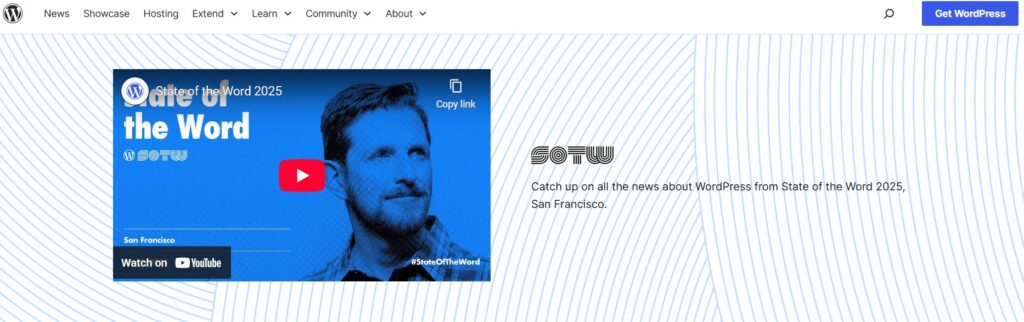
When I first started building websites, I wanted something that could grow with me a platform that wasn’t just beginner-friendly but also offered total design freedom and scalability. That’s why I turned to WordPress.org.
From custom themes to plugins, it gives you complete control over your site without locking you into restrictive systems. Let me break down why it works so well in real-world use.
Total Control and Customization
The first thing I noticed with WordPress is how much freedom it offers. Unlike fully hosted platforms, I can manage my domain, web hosting, and every aspect of my site’s design.
The block editor lets me arrange content blocks visually, while drag-and-drop page builders help me create custom themes without touching a single line of code.
Even though there is a learning curve, the payoff is huge: I can tweak layouts, add features, and adjust styling exactly how I want. This level of customization is perfect if you want your site to reflect your brand and not feel like a generic template.
Plugins and Integrations
One of WordPress’s strongest points is its plugin ecosystem. With tens of thousands of plugins available, I can add almost any feature I need. From SEO tools to eCommerce capabilities, the platform adapts to the kind of site I want to build.
For example, installing a plugin for an online store allows me to sell digital downloads, subscriptions, or physical products. And the platform handles transactions securely without taking a cut of my revenue.
SEO and Marketing Potential
When it comes to growing my audience, WordPress excels. I can use SEO-friendly plugins to optimize every page for search engines, manage meta tags, and improve site visibility.
Additionally, integrated marketing tools let me engage visitors, build an email list, and track performance with analytics integration.
The best part is that all of this happens without being forced into predefined templates. I can experiment, optimize, and scale without limits.
Data Ownership and Scalability
Another major reason I stick with WordPress is data ownership. Unlike many hosted builders, I own all my content and data, and I can export or migrate my site whenever I want.
This ensures my website can grow from a small personal blog to a high-traffic business site without limitations.
Scalability also extends to traffic handling and feature expansion. As my site grows, I can add more plugins, integrate new tools, and improve performance without being restricted by the platform.
Security and Support
Security is always a concern, especially as my site gains traffic. WordPress lets me implement SSL certificates, manage plugin and theme updates, and even use firewall plugins for extra protection.
There’s a huge community and countless tutorials available, so I can solve most issues quickly or learn best practices from other users.
Pricing and Long-Term Value
WordPress itself is free, which gives me a huge advantage over platforms with monthly fees. The only costs come from web hosting and optional premium plugins or themes, making it very affordable for both beginners and advanced users.
The combination of customization, scalability, and full control makes it a platform I can confidently invest in long-term.
To summarize, WordPress gives me everything I need: design freedom, flexibility, data ownership, and growth potential. Whether I’m creating a personal portfolio, a business website, or an online store, it adapts perfectly to my goals while giving me full control over my digital presence.
2. Hostinger – Affordable, Smart, and Beginner-Friendly
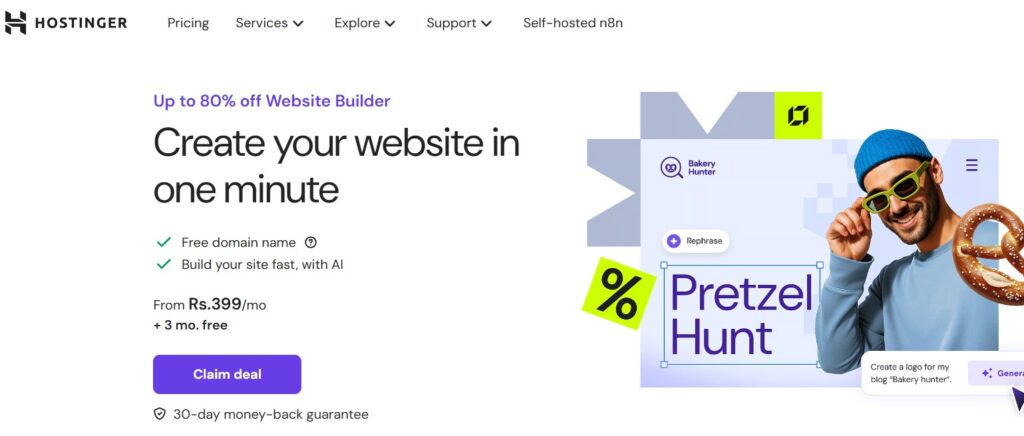
Hostinger immediately caught my attention with its intuitive and beginner-friendly interface. Its drag-and-drop editor makes it easy to customize templates, tweak layouts, and adjust fonts and colors without any coding.
Designing with visual blocks felt natural, letting me create a business site, personal portfolio, or online store quickly and efficiently. Everything comes together smoothly, making the whole process enjoyable and under control.
AI Tools That Simplify Design
Hostinger’s AI-powered features are impressive. From auto-generated content, images, and product descriptions to smart layout suggestions, it accelerates the creative process.
Built-in SEO, email marketing, and social media tools help you grow your website audience and monitor engagement seamlessly. The AI-assisted setup feels like having a personal guide helping you every step of the way.
eCommerce Ready and Flexible
Managing an online shop with Hostinger is simple. You can add products, manage inventory, and integrate multiple payment options with ease.
It supports up to 600 products with no hidden transaction fees, ideal for small and medium businesses. Using customizable templates and AI-driven product generators, launching a professional-looking store becomes fast, efficient, and stress-free.
Mobile-Optimized and User-Friendly
Hostinger ensures your site is fully mobile-responsive. You can preview and edit across devices, creating a smooth experience for visitors on desktop and mobile.
The platform perfectly balances ease of use and flexibility, so even beginners can craft a functional, attractive, and professional website without feeling overwhelmed.
Hostinger is a great choice for anyone looking for an affordable, intelligent, and beginner-friendly website builder.
With drag-and-drop customization, AI-powered tools, and integrated marketing features, building, managing, and growing a professional website becomes effortless.
3. Wix Drag-and-Drop Simplicity and Visual Design
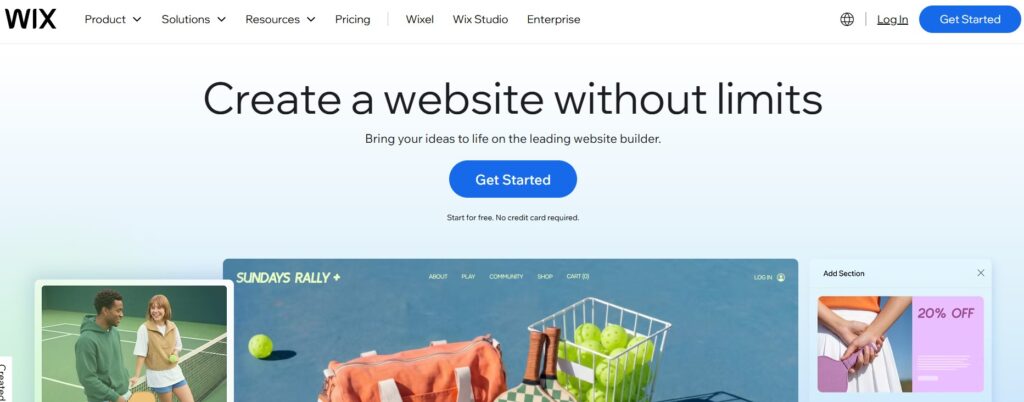
I’ve been using WordPress for most of my websites because of its flexibility and control, but I recently decided to try Wix to see how it feels for creating a site quickly without getting lost in code.
And honestly, the experience was surprising Wix is a highly intuitive, beginner-friendly website builder that balances ease of use, customization, and advanced features in a way that makes building websites almost fun.
Drag-and-Drop Simplicity and Visual Design
The first thing that stood out to me was Wix’s drag-and-drop editor. I could take content blocks, images, videos, and text and place them anywhere on the page.
The editor feels interactive and responsive, allowing me to design custom layouts in minutes without worrying about coding skills.
Even with complex sections like strips or galleries, Wix gives you full control over placement and styling, which is rare for beginner-friendly builders.
Templates and AI-Assisted Tools
Wix offers 800+ versatile templates for blogs, business websites, online stores, and portfolios. I tried one and was impressed by how customizable it was I could tweak sections, colors, fonts, and layouts without limitations.
Wix also provides AI-assisted design tools, which help create pages faster by suggesting layouts, generating images, and arranging content automatically. It felt like having a virtual assistant guiding me through the design process.
Built-In Features for Growth
What I loved about Wix is that it comes with built-in features for SEO, eCommerce, marketing, and content management. Setting up a small online store was straightforward, with options for product pages, payment processing, and inventory management.
For a personal blog or portfolio, I could optimize content for search engines and even add interactive visual effects like video backgrounds and scrolling animations.
Flexibility Without Overwhelm
Even though Wix is beginner-friendly, it doesn’t feel limited. I could still customize elements, add advanced features, and tweak code for UX and styling if I wanted.
The platform balances simplicity and control, making it perfect for small businesses, freelancers, or anyone new to website building who wants a professional result without frustration.
Quick Setup and Easy Maintenance
One of the things I appreciated the most was how fast I could get a site online. With pre-designed templates, drag-and-drop tools, and AI assistance, I had a working website in less than a day.
Maintaining it is just as easy updating content, rearranging sections, or adding new features doesn’t require any coding knowledge, which is perfect for someone like me who wants to focus more on content and growth rather than technical hurdles.
In short, while I love WordPress for full control, Wix impressed me with its speed, flexibility, and beginner-friendly approach. It’s a great choice if you want to create a professional, customizable website quickly, with built-in SEO, eCommerce, and marketing tools, all without getting stuck in coding or complex setups.
But I still love WordPress.
4. Squarespace – Stylish, Feature-Rich, and Fully Customizable

Squarespace stands out for its high-quality, stylish templates that allow me to create a polished, visually impressive website quickly. With ready-made sections, dynamic layouts, and interactive design tools, building a cohesive website feels intuitive and professional.
I could easily arrange content blocks, images, and multimedia, creating a visually-harmonized online presence that works for creatives, small businesses, portfolios, or personal projects.
Powerful Built-In Features for Growth
Squarespace provides built-in functionality that covers everything from SEO optimization, email marketing, social media integration, and analytics tracking. I could manage appointments, eCommerce products, online courses, and membership sites all from a single user-friendly dashboard.
This all-in-one ecosystem saves time, streamlines workflow, and helps maintain a scalable and professional online presence.
Advanced Customization Without Complexity
Even as a beginner-friendly platform, Squarespace allows for extensive customization. I could tweak layouts, sections, colors, fonts, page structures, and design elements without needing coding skills.
The platform balances simplicity and flexibility, letting me create a unique website experience while maintaining ease of use, responsiveness, and cross-device compatibility.
Quick Setup and Hassle-Free Maintenance
Getting started with Squarespace was fast and intuitive. Using pre-designed templates, drag-and-drop editing, and visual customization tools, I had a fully functional website in hours. Updating content, reorganizing sections, or adding new features is straightforward and efficient, making it easy to maintain a high-performance website without technical hurdles.
5. Nicepage – Flexible Visual Builder for Creative Freedom
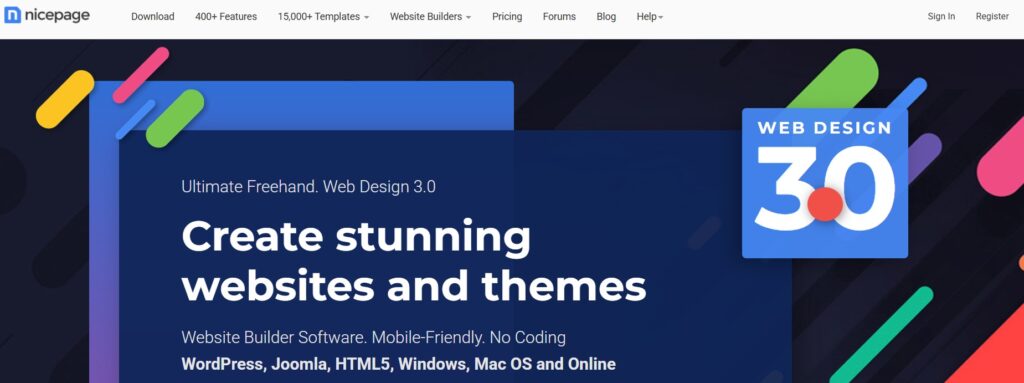
Nicepage is a flexible and creative website builder that gives me full design control without limiting creativity. It combines visual editing with powerful customization tools, allowing me to design websites exactly the way I imagine them. Whether I’m building for a small business, portfolio, startup, or landing page, the platform feels both modern and intuitive.
Complete Design Freedom with Visual Editing
What makes Nicepage stand out is its true drag-and-drop editor. I can move sections, text, images, shapes, and layout blocks freely across the canvas. Unlike restrictive grid-only builders, it allows pixel-level precision while still maintaining responsive structure.
With hundreds of professionally designed templates and pre-built sections, I can start quickly and then fully customize layouts, animations, and visual elements to match any brand style.
Works with WordPress, Joomla, and HTML
Nicepage is not just a standalone builder. I can export designs to WordPress, Joomla, or pure HTML. This flexibility makes it powerful for developers and agencies who want visual design control while still leveraging CMS functionality.
It bridges the gap between no-code design and traditional website development, giving me both convenience and scalability.
Advanced Styling Without Coding
Even without technical knowledge, I can customize typography, spacing, grids, responsive breakpoints, and animations. For more advanced users, CSS and HTML editing options are also available.
This balance between beginner-friendly tools and advanced customization makes it suitable for both creatives and developers.
Fast Setup and Efficient Workflow
Getting started with Nicepage is simple. I can select a template, customize layouts visually, preview responsiveness instantly, and publish quickly. Updating sections or redesigning pages later is smooth and efficient.
It helps maintain a professional, high-performance website while giving complete creative freedom and design flexibility.
6. Duda: Powerful Website Builder for Agencies and Custom Projects
When I first explored Duda, I was immediately impressed by its flexibility and professional-grade tools. Unlike simpler website builders, Duda is designed to handle more complex projects while still keeping the process intuitive for teams and agencies. If you’re managing multiple client websites or want to create highly customized layouts, Duda can make your workflow smoother and more efficient.
Flexible Design and Customization
Duda lets you visually build websites without writing code, thanks to its intuitive no-code editor. The container-based structure allows for advanced layouts, overlapping sections, and precise placement of elements.
Whether you want to tweak templates or start from scratch, Duda provides the freedom to fully customize your site’s appearance.
Advanced Agency Tools
One of the standout features of Duda is its agency-focused tools. You can manage multiple projects at once, provide clients with simplified editors, and leverage white-label options for branding.
Collaboration tools make it easier for teams to work together, assign tasks, and track progress on complex projects.
Built-in Client Management
Duda’s built-in client management system ensures every website project is organized. From project handoff to ongoing edits, you can streamline communication and maintain control over multiple websites without confusion.
This is especially helpful for freelancers or agencies handling several clients simultaneously.
Scalability and Performance
With Duda, your websites can scale as your business grows. Its structure and tools handle high-traffic sites efficiently, making it suitable for both small portfolios and large-scale agency projects. The platform balances complexity and usability, ensuring even sophisticated sites remain manageable.
Who Should Use Duda?
Duda is ideal for agencies, freelancers, and teams looking to build custom, visually compelling websites without coding from scratch.
If you want professional layouts, collaborative tools, and advanced customization options, Duda is a platform that supports both creativity and productivity.
7. GoDaddy: Simple and Efficient Website Builder for Small Businesses
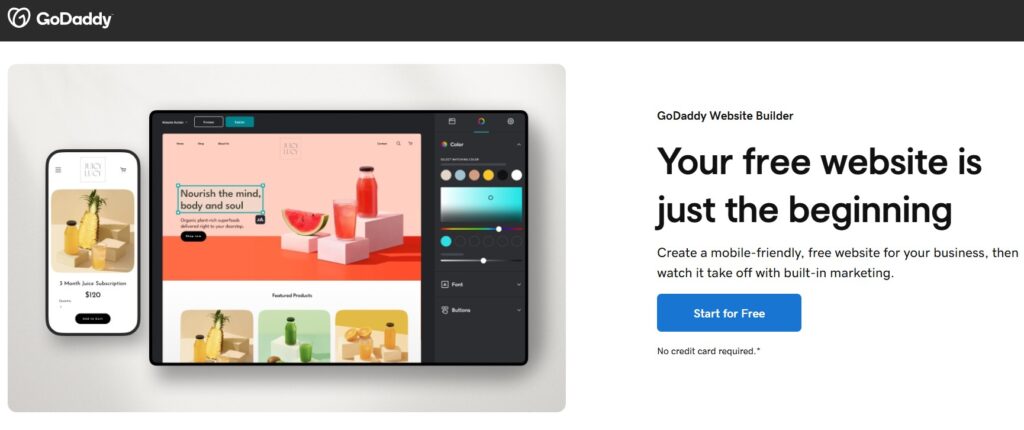
GoDaddy is the domain provider primary for millions of users, and it also offers a straightforward website builder that makes getting your business online simple and efficient.
From creating pages to managing an online store, GoDaddy is designed to help small businesses, freelancers, and personal brands build professional websites with minimal effort.
Easy Setup and AI-Powered Assistance
GoDaddy’s AI-powered tools guide you through domain search, website setup, and basic customization.
Its intuitive drag-and-drop editor allows you to adjust fonts, colors, button styles, and page layouts visually no coding required. This makes it ideal for beginners who want a professional-looking website quickly.
Built-In Marketing and eCommerce Tools
GoDaddy comes with built-in marketing and SEO tools to grow your online presence. You can connect social media accounts, run email campaigns, and optimize content for search engines.
For selling products or services, the eCommerce features include product listings, flexible payment options, and discount tools, making it easy to manage your online store.
Templates, Design, and Mobile-Friendly Layouts
With over 100 mobile-friendly templates, GoDaddy ensures your website looks great on desktops, tablets, and smartphones. Each template is fully customizable, so you can align your site perfectly with your brand identity.
Support and Reliability
GoDaddy offers 24/7 live chat and email support, giving you confidence that help is always available. Whether you’re a beginner or managing multiple pages, their support ensures your site runs smoothly and professionally.
Pricing and Value
GoDaddy provides a 7-day free trial to explore its features, with paid plans starting at $12.99 per month. Considering the built-in AI tools, marketing capabilities, and eCommerce flexibility, it’s a reliable and cost-effective solution for small business owners.
8. Bluehost Reliable, Scalable, and AI-Powered Website Builder
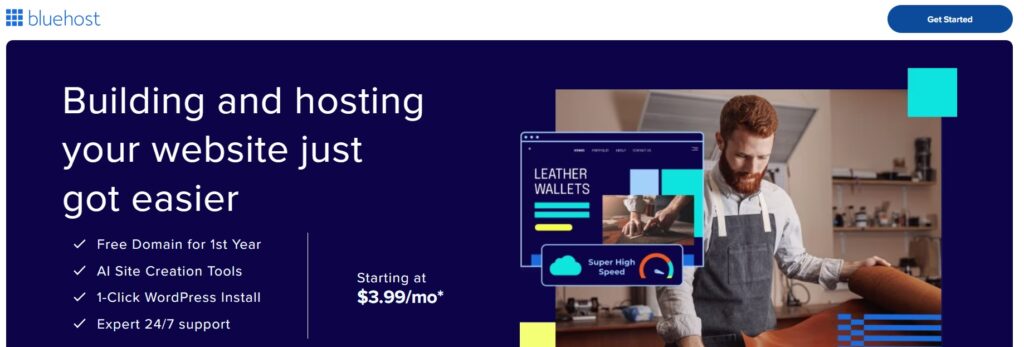
Bluehost is the domain provider and website builder that gives you full control, flexibility, and performance to launch professional websites.
Whether you’re creating a personal blog, online store, portfolio, or business site, Bluehost provides all the tools to design, manage, and scale your website efficiently.
AI-Powered Site Creation and Smart Templates
The first thing that stood out to me was Bluehost’s AI-powered text and image generation, which allowed me to rapidly create content and visuals.
Coupled with customizable templates, I could set up my site quickly and tailor everything to my brand. The drag-and-drop editor makes layout design intuitive, even for beginners, while built-in SEO tools ensure my pages are optimized for search engines and ready to attract traffic.
Built-In Features for Growth and Engagement
What I loved about Bluehost is its integrated marketing tools and analytics. I could track visitors, analyze engagement, and optimize campaigns without juggling multiple platforms.
Its eCommerce-ready features, including secure payment processing, inventory management, and shipping options, made setting up an online store seamless.
This flexibility ensures my site can grow with my business, whether I sell digital products, physical goods, or services.
Flexibility Without Compromise
Even as a beginner, I didn’t feel restricted. Bluehost lets you customize every element, add advanced features, and tweak design for user experience and branding.
The platform balances simplicity with scalable performance, making it ideal for freelancers, small businesses, or anyone looking for a professional, high-performing website without technical frustration.
Quick Setup and Reliable Support
Launching a website was fast thanks to pre-built templates, AI assistance, and the drag-and-drop editor.
Ongoing maintenance is just as easy updating content, rearranging sections, or adding features doesn’t require coding knowledge. Plus, 24/7 live chat support ensures help is always available, giving peace of mind while focusing on growing my site.
In short, while I’ve used GoDaddy for simple setups, Bluehost impressed me with its speed, scalability, and AI-powered tools.
It’s a perfect choice if you want to create a professional, customizable, and high-performing website quickly, with built-in SEO, eCommerce, and marketing features, all without getting bogged down by code or complex setups.
9. IONOS AI-Powered Website Builder for Fast, Professional Sites
IONOS is a domain provider and website builder that combines AI-powered tools, flexibility, and robust performance to help you launch professional websites quickly.
Whether you’re building a portfolio, online store, or business site, IONOS provides all the essential tools to create, customize, and scale your website efficiently.
Its AI Website Generator helps generate relevant images, text, and layouts automatically, reducing the time it takes to go from concept to live site.
You can start with mobile-optimized templates and then customize them to match your brand identity, colors, fonts, and layouts. Even beginners can build functional, visually appealing websites without coding knowledge.
IONOS also supports built-in eCommerce features, including secure checkout, payment processing, and product listings, making it suitable for online stores of any size. SEO tools and email marketing integrations help grow your traffic and audience, while professional email and reliable web hosting with ample storage ensure your website performs smoothly.
AI-Powered Tools for Rapid Website Creation
IONOS leverages advanced AI-driven tools to accelerate the website building process. From generating text and visuals to suggesting layouts and content placement, the platform makes it easy to create professional, visually consistent sites in minutes. These automated tools are particularly helpful for businesses, portfolios, and online stores.
Templates and Customization
Start with mobile-optimized templates tailored for various industries. IONOS allows full customization of layouts, sections, and elements, giving you complete control over your website’s look and feel. You can adjust colors, fonts, images, and text while preserving mobile responsiveness.
Built-In eCommerce and SEO Features
IONOS includes a built-in eCommerce system with product listings, inventory management, secure payments, and checkout features. Its SEO tools optimize your pages for higher search rankings, while email marketing and analytics help you engage your audience and track performance.
Beginner-Friendly Editor and Hosting Support
The drag-and-drop editor is intuitive and perfect for beginners, letting you build websites quickly without technical hurdles. Coupled with reliable hosting, ample storage, and professional email, IONOS ensures your site is scalable, secure, and always online.
Pros and Considerations
Pros: Fast AI-powered site generation, beginner-friendly editor, mobile-optimized templates, built-in eCommerce, SEO and marketing tools, professional email, reliable hosting.
Considerations: Some advanced customization may require additional learning, certain AI tools have limitations for deep custom features.
10. Strikingly: Simple Website Builder for One-Pagers and Simple Sites
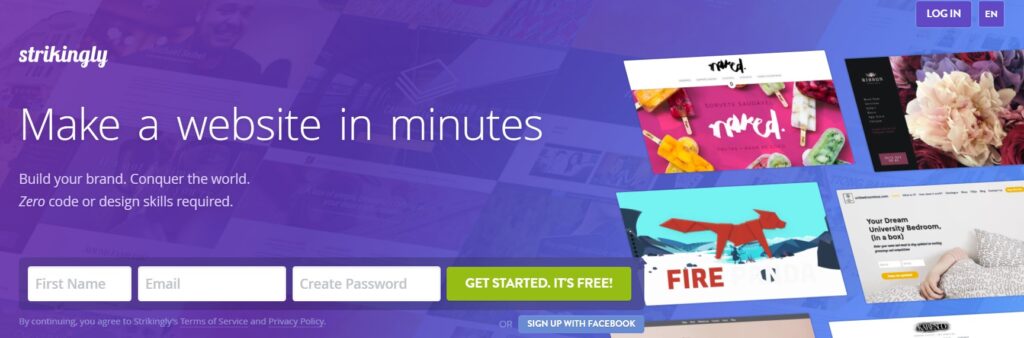
I’ve used multiple platforms for creating websites, but recently I decided to try Strikingly for a quick, beginner-friendly experience.
What immediately stood out was how intuitive and straightforward it is, especially if you want to create simple one-pagers or multi-page websites without getting overwhelmed by complex features.
Even as someone used to more flexible tools, I found Strikingly’s approach refreshing it balances simplicity, speed, and usability in a way that makes building websites almost stress-free.
Beginner-Friendly Website Building
Strikingly is truly designed for complete beginners. You don’t need coding skills to start, and the platform’s editor is intuitive and easy to navigate.
Everything is structured in frames, making it easy to tweak your project’s look while avoiding common mistakes.
Whether you’re building a mini-shop, a hobby project, or a startup site, the platform ensures you can finish your site fast and have it look professional.
Templates, Sections, and Design Tools
The platform offers 180+ versatile templates covering multiple industries, purposes, and styles. Pre-designed sections and elements make it easy to build pages, and you mainly work with section templates to ensure consistency across your site.
While the selection is solid, some templates and standard content like FAQ or team sections are limited, and there’s slightly less design freedom compared to advanced platforms. Still, it’s perfect for users who want a fast, easy, and reliable setup.
Built-In Features for Simplicity
Strikingly’s features focus on the essentials: blogging, eCommerce, and SEO tools are tailored for simpler projects. The live chat support is quick and dependable, giving guidance whenever needed.
While it’s not designed for highly complex or unique websites, it’s ideal for those who need something professional-looking in minimal time.
Who Strikingly Is Best For
If you’re a complete novice, hobbyist, or small business owner looking for a beginner-friendly website builder, Strikingly is an excellent choice.
It’s designed for affordable, simple websites that don’t require advanced customization. On the other hand, if your goal is a highly unique or complex site, some features and preset layouts may feel limiting.
In Short
Strikingly makes website building approachable, fast, and professional-looking without overcomplicating the process.
Its intuitive editor, versatile templates, built-in SEO, eCommerce support, and live chat make it a solid option for anyone wanting to get a simple site online quickly, while avoiding the stress of advanced customization or coding.
11. SITE123: Quick and Simple Website Builder for Beginners
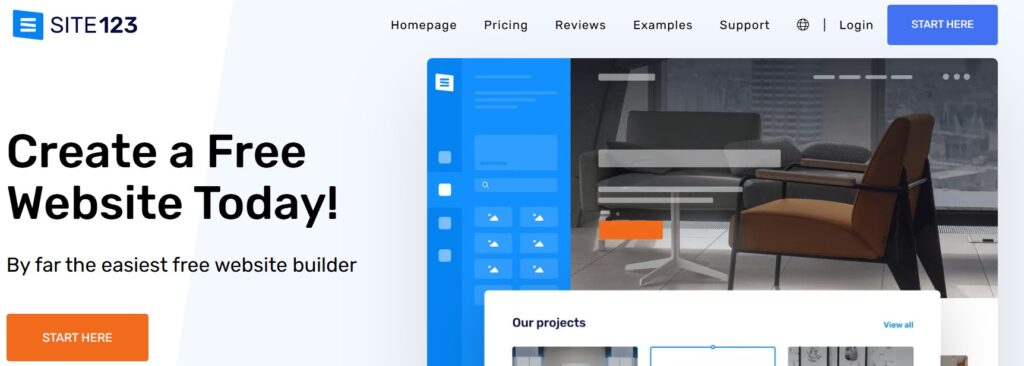
When I first explored website builders, I was looking for something that wouldn’t overwhelm me with coding or complex drag-and-drop layouts.
That’s when I tried SITE123. It’s a beginner-friendly platform designed to make website creation almost effortless, letting you focus on content, structure, and getting results fast.
Fast Setup with Pre-Built Sections
SITE123 is all about efficiency. With its pre-designed sections and ready-made templates, I could launch a website in record time.
Adjusting layouts, adding content blocks, or customizing colors and images felt intuitive and guided, so I never felt lost even as a complete beginner.
The clean editor ensures every step is easy to follow, reducing mistakes and helping maintain a professional look.
Tailored Templates and Simple Customization
With 180+ versatile templates and flexible section options, SITE123 covers everything from personal blogs, portfolios, and one-page sites to small business websites.
While the platform intentionally limits extensive design freedom, this simplicity is perfect for smaller projects or users who want a streamlined process.
Blogging, eCommerce, and SEO features are built-in, so your site is functional and optimized without needing extra plugins or tools.
Reliable Support and 24/7 Guidance
One thing that impressed me is SITE123’s customer support. Live chat is available 24/7, providing quick answers whenever I encountered questions or challenges.
Combined with easy-to-understand templates, the platform makes website building approachable for beginners while ensuring that any technical issues are resolved quickly.
Ideal Use Cases
SITE123 shines for personal websites, simple business pages, small online shops, hobby projects, or quick-launch portfolios.
If you’re looking for a platform that avoids unnecessary complexity, guides you through content placement, and delivers a polished site fast, SITE123 is a solid choice.
While not ideal for highly advanced or large-scale websites, its straightforward approach ensures beginners can create visually appealing, professional, and functional websites in minimal time.
12. Webador Drag-and-Drop Simplicity for Quick Website Creation
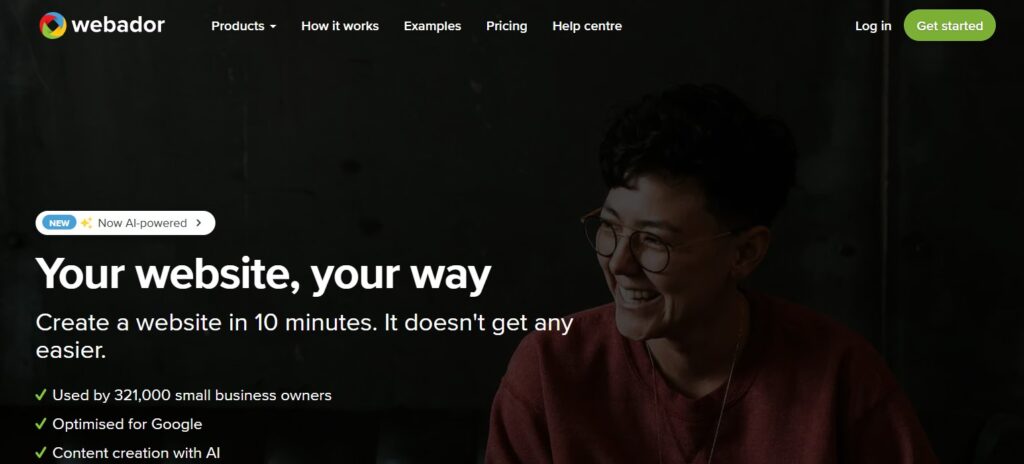
I’ve tried many website builders for my small projects, but I recently experimented with Webador to see how fast I could launch a simple online presence.
And I have to say, it’s perfect for anyone looking for a straightforward builder that doesn’t overwhelm with endless features.
Simple Projects Made Easy
Webador really shines for small projects and simple shops. The platform focuses on ease of use over complexity, making it ideal for beginners or anyone who doesn’t want to spend hours learning a tool.
Its drag-and-drop editor lets you move elements around freely within frames, giving you creative freedom while maintaining a clean, structured layout. Even with limited personalization options, you can still make your website look professional and cohesive.
Templates, AI Features, and Quick Results
With a selection of scalable templates and built-in AI features, Webador helps you create content and visuals quickly. While there aren’t hundreds of design templates, the ones available are flexible enough for basic sites like amateur blogs, landing pages, or small online stores.
The platform’s AI features also save time, allowing even complete beginners to produce a professional-looking website in under ten minutes.
Built-In Structure and User-Friendly Editor
One thing I appreciated was Webador’s structural security. The content snaps into place within preset frames, keeping your site neat and consistent without needing advanced skills.
The editor is intuitive and user-friendly, so even if you’ve never built a website before, you can get the hang of it quickly. There’s a free plan available, and it even lets you publish on a Webador subdomain, which is perfect for testing or hobby projects.
Limitations and Who It’s Best For
Of course, Webador isn’t for complex websites or highly customized designs. It lacks industry-specific elements, extensive template variety, and advanced settings like font adjustments at the element level.
There aren’t many extra features beyond basic landing pages, so it’s best for smaller projects that need a simple, fast setup. Whether it’s a basic club website, a personal blog, or a small online store, Webador provides everything you need without the overwhelm.
13. Framer: Advanced Design Platform With Builder Capabilities
I’ve explored many website builders, but Framer completely changed how I approach web design. Unlike traditional platforms, Framer is more than just a website builder it’s a design platform that empowers experienced designers to craft visually stunning and unique websites with true creative freedom.
It’s not aimed at beginners, but if you have some web design knowledge, this tool unlocks possibilities that go beyond standard templates and layouts.
Powerful Design Tools and No-Code Editor
What sets Framer apart is its powerful design tools combined with a no-code editor. You can freely arrange content using drag-and-drop, customize styles and formats for each layer and frame, and create animations and effects that make your site feel dynamic.
By using breakpoints, your designs adapt perfectly to any screen size.
It’s almost like working on a canvas, similar to Figma or Adobe XD, where you are not constrained by fixed structures or predefined layouts.
Templates, Layouts, and Team Features
Framer includes dynamic templates and versatile layouts crafted by professionals, giving you a starting point that’s far more unique than typical classic website builders. Collaboration is seamless thanks to practical team features and real-time collaboration, making it ideal for projects of any scale. For those familiar with Figma, Framer even supports copying designs directly from your prototypes.
CMS and Dynamic Content
Beyond aesthetics, Framer incorporates a CMS for managing dynamic content, including blog posts and interactive elements.
While it lacks an integrated ecommerce solution, you can connect it with external tools like Shopify or Ecwid to add an online store. This platform may be less flexible than some CMS solutions for complex backend systems, but it excels at giving you full control over creative freedom.
Who Should Use Framer?
Framer is perfect for experienced designers who want to create visually impressive websites filled with interactive elements, animations, and effects without having to code from scratch.
If you’re seeking a standard, beginner-friendly builder, it might feel complex, but for those willing to embrace the steep learning curve, Framer delivers unparalleled versatility, creative freedom, and team collaboration features.
14. Jimdo Website Builder
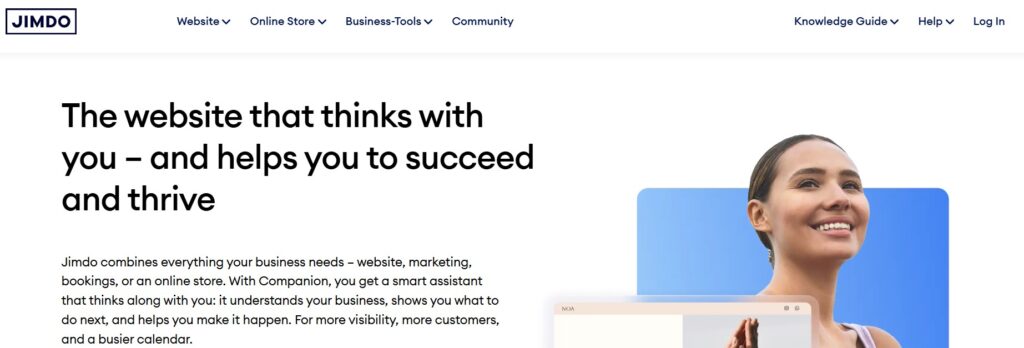
When I tried the Jimdo Website Builder, what stood out immediately was how easy to use it is. As a minimalist AI builder built in Germany and based in Hamburg, Jimdo clearly focuses on speed and simplicity rather than deep customization.
The AI website builder asked me a few basic questions and handled the automatic website creation on its own.
Within minutes, I had a first draft generation that already looked like a professional-looking website, which is exactly what I want when time matters more than creativity.
Why the Fixed Layout Actually Worked for Me
Jimdo uses predefined layouts instead of classic templates, and at first, the limited design freedom felt restrictive. There’s no drag-and-drop, and everything happens inside a blocky editor with design presets.
But honestly, that’s also why I didn’t mess anything up. The rigid layouts ensured a cohesive design, and I didn’t have to worry about spacing or alignment. For someone like me who just wants things to work, the basic editor made the whole process feel stress-free.
Features I Missed While Using Jimdo
While building my site, I quickly noticed there’s no blogging. The blogging features missing were a limitation, especially since content is often a long-term strategy. I also felt the absence of testimonial templates and client logo templates, which are pretty standard in many builders today.
The ecommerce system exists but comes with clear limitations, and the advanced SEO options are quite basic. Compared to tools on the higher end of the design freedom spectrum, or in a Framer comparison, Jimdo clearly stays on the simpler side.
Where Jimdo Made the Most Sense for Me
I found Jimdo ideal for landing pages and quick sites for local businesses like cafes or craft shops. If I needed a simple functional website with zero fuss and no learning curve, this builder delivered exactly that.
It’s not meant for a deeply customized website, but for getting online fast, it fits perfectly especially for absolute beginners who don’t want to think about website builder standards or design theory.
Pricing, Plans, and Support Experience
I tested the free plan called Jimdo Play, which is enough to explore the platform. The paid plans vary by monthly price, available space, number of pages, included domains, and contract period, so it’s easy to scale when needed.
One thing I genuinely appreciated was the support team. Whenever I had questions, the fast support and quick responses made the experience smoother than expected.
Why I Included Jimdo in This List
I included Jimdo here because it removes friction from website creation. With its beginner version and pro builder, it’s built for people who want results without complexity.
If my priority is speed, clarity, and AI-driven setup, I’d visit website, try for free, check the ratings, and move forward confidently knowing exactly what Jimdo does well and where its limitations start.
What’s Better: A Website Builder or WordPress?
When I first compared a website builder with WordPress, I realized they’re not as different as people make them sound.
Both act as a content management system, both offer design templates, and both give you tools for creating and managing a website without heavy coding skills. If you’re someone who wants a site up without touching code, either platform can work.
WordPress Versatility and Flexibility
Where WordPress really stood out for me was flexibility. I had full design control, access to thousands of plugins and extensions, and the option to use drag-and-drop editors or dive straight into the website code.
Compared to builders, WordPress feels far more versatile and open-ended when customization matters.
Complexity and Technical Responsibility
That freedom does come with a cost. The learning curve is real, and it takes time to get familiar with WordPress’s full potential.
While coding knowledge isn’t mandatory, it definitely helps. I also had to manage web hosting, security, and other technical pieces myself things that builders usually bundle into a simple subscription package.
Choosing the Right Platform
Honestly, choosing between a CMS like WordPress and a builder came down to my needs, budget, and how much time investment I was willing to make.
For a first site, builders feel quicker. For long-term projects with specific goals, WordPress gave me more confidence in my platform choice.
How I Create a Website With a Website Builder
Every website creation process using a builder follows a familiar workflow. I’ve noticed the same step-by-step pattern across almost every provider, even if the interface looks different.
Creating an Account
The first step is always account creation. I sign up through the provider, usually using a free trial or free plan, without sharing payment information. That low barrier makes user registration feel risk-free.
Choosing a Design Template
Next comes picking a design template. Browsing the template gallery helps me decide on a layout selection that fits my site’s purpose. These templates act as the visual backbone of the entire website design.
Editing the Website
Once inside the website editor, I start customization. This is where I tweak design elements, add pages, and work on content modification using the builder’s tools. The builder editor makes this part intuitive, even without technical experience.
Publishing the Website
After everything feels right, I hit publish website. That final step takes the site live, marking the website launch always the most satisfying moment.
Building an Online Store With a Website Builder
I’ve also used builders to create an online store. Most platforms offer ecommerce features, but usually through a higher-tier ecommerce plan.
Builders like Wix, Squarespace, and IONOS handle ecommerce as an add-on, while platforms like Shopify and BigCommerce focus heavily on sales features and store performance.
Ecommerce-Related Essentials I Consider
When selling online, I pay attention to ecommerce software, product ideas, ecommerce website cost, and whether I’m selling digital products or physical ones. Metrics like conversion rate matter a lot, especially for a custom ecommerce website.
Creating a Blog With a Website Builder
Most builders let me add blog features easily. I usually create a blog page, write blog posts in a content editor, and enhance them with widgets and content elements. The depth of blogging tools varies, but the basics are usually there.
Blogging Options I’ve Explored
I’ve tested everything from a free blog to niche projects like a food blog and travel blog. Each builder offers different blogging options, so choosing the right one really affects how successful a blog can become.
Creating Multilingual Websites
For global reach, multilingual websites matter. Builders with built-in language versions and a language switcher often a dropdown menu make this easy. I’ve seen Wix and SITE123 handle this well, while Squarespace often needs paid add-ons or a navigation workaround.
Using My Own Domain
Using a custom domain has never been an issue. I either connect a domain I already own through the website builder account or purchase a domain directly. Most builders include the first year free, with an annual fee for domain renewal later.
Domain Basics I Always Check
Before buying, I look into domain names, domain extensions, and domain costs. I also use tools to check domain availability, understand domain meaning, and sometimes explore domain trading if branding is important.
SEO Optimization With Website Builders
Builders aren’t automatically SEO-perfect, but good ones offer solid SEO settings. I make sure I can edit titles, URLs, and meta descriptions, use proper heading structure like H1, H2, H3, and connect Google Analytics. Advanced features like robots.txt access and 301 redirects are a bonus.
Limitations and Drawbacks I’ve Faced
Website builders are a compromise. They’re easy to use, all-inclusive, and affordable, which is great for beginners, but there are trade-offs.
Limited Flexibility
I’ve often felt restricted by design options and feature dependency. Some editor limitations mean certain ideas or customization simply aren’t possible.
Generic Designs
Because of pre-made templates, many sites end up with generic layouts. It can be hard to avoid similar websites when everyone starts from the same design base.
Technical Weaknesses
In terms of loading speed, SEO performance, and deeper technical aspects, builder sites often fall behind independently coded sites.
Closed Systems
Most builders are closed systems, unlike open-source platforms such as WordPress. That means ongoing provider dependency, changing pricing policies, and less technical control overall.
Limited Scalability
Builders work best for small websites and medium-sized sites. As projects grow, traffic growth, server capacity, and missing advanced features can lead to performance issues.
Long-Term Costs
While builders look cheap upfront, long-term costs add up through price increases and extra charges. In some cases, open-source platforms become more cost-effective thanks to better control over technical specs.
Are Free Website Builders Worth It?
Yes, free website builders exist, but their free plans come with heavy limitations. Being stuck on a subdomain makes them better for personal projects than professional websites.
Final Thoughts
From my experience building websites over the years, I’ve realized how powerful website builders can be in making website creation easier, even if you don’t have any coding skills.
Tools like Wix, Squarespace, and IONOS are great for getting started quickly with pre-designed templates, drag-and-drop editors, and user-friendly interfaces.
However, when I truly wanted full control, customization, and scalability, I found WordPress to be unbeatable.
With WordPress, I can leverage thousands of plugins, themes, and extensions to build anything from a personal blog to a professional eCommerce store.
I also have complete control over hosting, domains, and technical infrastructure, which allows me to optimize SEO, manage content, and scale my website as needed.
Even though WordPress has a steeper learning curve compared to other website builders, my experience shows that the flexibility and versatility it provides is worth the effort.
For anyone deciding between a website builder and WordPress, I’d say this: If you want something quick and beginner-friendly, builders are excellent. But if you want complete control, advanced customization, and the ability to grow without limits, WordPress is my top recommendation.
From creating a blog, launching an online store, or building a multilingual website, WordPress handles it all with ease once you get the hang of it.
Frequently Asked Questions (FAQs)
What is a website builder and why would I use it?
In my experience, a website builder is a tool for creating professional websites without touching HTML or CSS. I’ve used builders like SITE123 and Strikingly, and they are perfect for quick projects or simple sites, thanks to drag-and-drop editors and pre-designed templates.
I use them when I need something fast and don’t want to worry about hosting or technical setup.
Who are website builders for?
I think website builders are best for beginners, non-technical users, or anyone who wants to launch a website without dealing with coding or complex configurations. From my experience, they work well for blogs, portfolio sites, and small online stores.
How do website builders differ from WordPress?
Based on my experience, builders differ in flexibility, customization, and control. While platforms like Webador or Jimdo give you fast setup and simplicity, WordPress allows me to use plugins, manage SEO, scale storage and bandwidth, and fully control my website’s design and functionality. Builders are easier to start, but WordPress gives more room for growth.
Which website builder or platform is best for me?
I usually recommend evaluating your goals. If you want a quick, beginner-friendly website, platforms like Wix or IONOS are great. But if you’re looking for long-term scalability, full customization, and professional-grade features, WordPress has been my go-to choice.
Personally, using WordPress has allowed me to build everything from multilingual websites to advanced eCommerce stores, all while keeping control of hosting, domains, and technical infrastructure.
Can I use my own domain with a website builder?
Yes, I always connect my own domains when using a builder, and with WordPress, it’s even easier. I can manage DNS, set up custom URLs, and optimize SEO without being restricted by the builder’s subdomains or limitations.
Are website builders good for SEO?
In my experience, many website builders come with basic SEO tools, but they don’t match the flexibility of WordPress. With WordPress, I can optimize meta descriptions, URLs, headings, and even use robots.txt and 301 redirects, which is crucial for ranking on search engines.